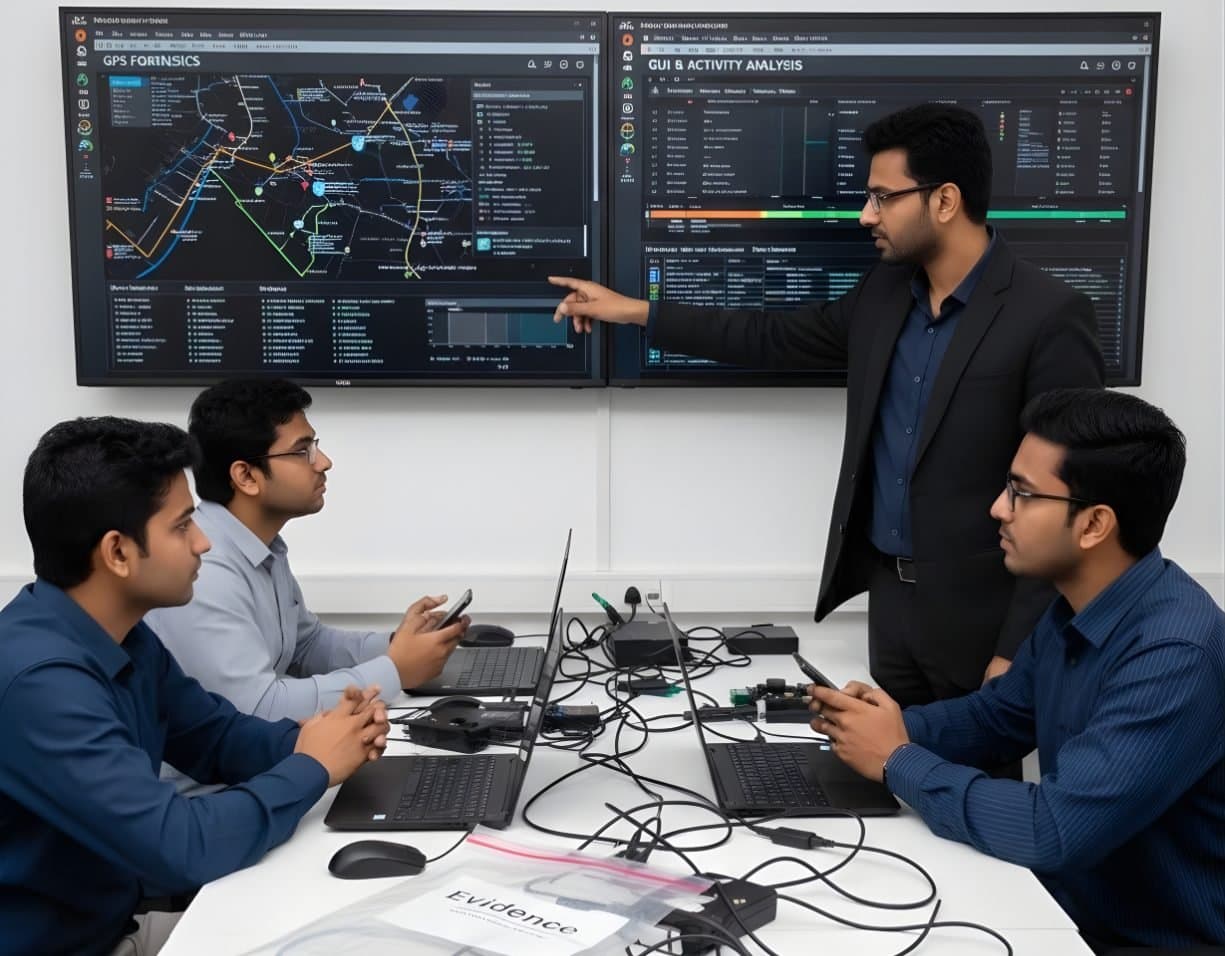
 AdvancedAutomotive / Vehicle ForensicsRecover paired phones, trip logs and events from infotainment and telematics units
OSINT / Open Source Intelligence
Find, verify and record public online information in a form a court can check
- Intermediate
- Online or on campus
- 5 hands-on labs
- 7 modules
About this course
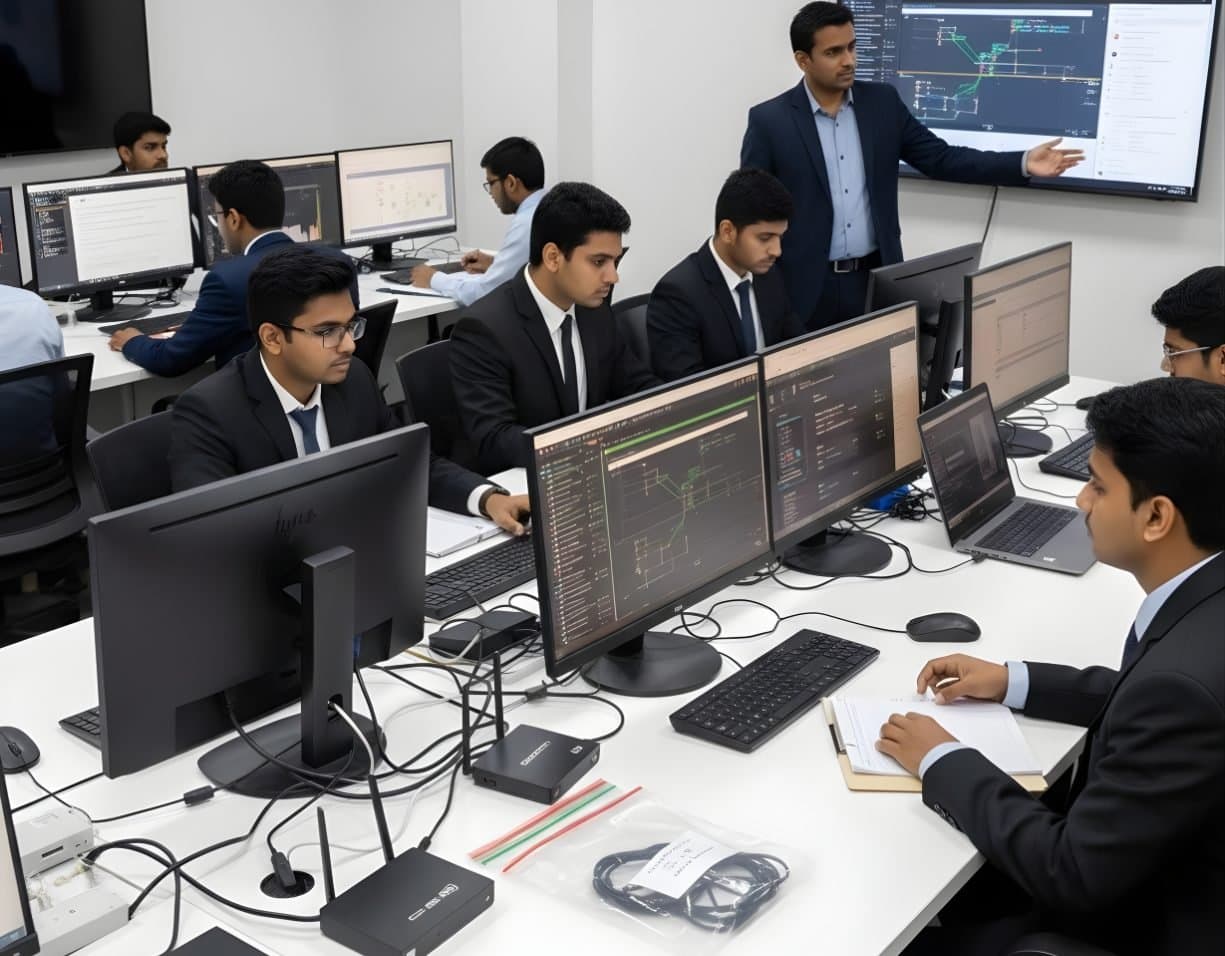
A large part of any cyber investigation happens in public. A fraud number appears on a fake customer care page. A username repeats across three platforms. A photo posted by a suspect shows a shop sign and a hill in the background. Open source intelligence is the discipline of finding such information, checking it and recording it so that it holds up later.
You learn the difference between passive work, where the subject never knows you looked, and active work, which can alert a suspect or leave your traces in their logs. You practise pivots from a username or email address to linked accounts. You place photos on a map from shadows, signs and terrain, and you recover deleted pages from web archives. Maltego and SpiderFoot help with the searching. The course is equally clear on what you must not do: log in to someone's account, use leaked passwords or create fake profiles without authority.
Every capture is treated as evidence. You record the URL, the date and time with time zone, a screenshot, a full-page copy and a SHA-256 hash of the saved files, so that a colleague or a court can check what you saw and when.
Username and email pivotsImage geolocationArchived pagesEvidence capture
After this course you can
- plan an OSINT task around clear questions and choose passive or active methods for good reason
- pivot from a username, email address or phone number to linked accounts and record each step
- geolocate and date a photo or video using visible clues, maps and reverse image search
- recover old versions of web pages from archives and judge how far to trust them
- run Maltego and SpiderFoot and check their results by hand
- capture online evidence with URL, time and hash, ready for a Section 63 certificate
Syllabus
7 modules · 27 topics
01Planning and Safe Working4 topics
- Turning a case into clear research questions
- Passive and active collection and the risks of each
- A separate browser profile or virtual machine for research
- Research accounts and when an agency can authorise them
02Username, Email and Phone Pivots4 topics
- Username searches across platforms with WhatsMyName and Sherlock
- Email address checks: breach notification services and account registration traces
- Phone numbers and the profile names shown by messaging and payment apps
- Domain WHOIS records and DNS history
03Images and Video4 topics
- Reading EXIF data with ExifTool and why most platforms strip it
- Reverse image search with Google Lens, Yandex, Bing and TinEye
- Geolocation from signs, language, vehicles, number plates and terrain
- Working out the time of day from shadows with SunCalc
04Web Archives and Deleted Content3 topics
- The Wayback Machine and archive.today
- Finding old versions of profiles, listings and business pages
- Checking archive capture dates and gaps before relying on them
05Maltego, SpiderFoot and Other Tools4 topics
- Maltego transforms and building a link graph
- SpiderFoot scans and choosing modules
- theHarvester for domains, hosts and email addresses
- Separating real findings from false matches
06Legal and Ethical Limits4 topics
- Unauthorised access to accounts or systems is an offence under the IT Act 2000
- Personal data and the Digital Personal Data Protection Act 2023
- Platform terms of service and their limits on collection
- When to stop and send a legal request to the platform instead
07Capture and Reporting4 topics
- Capturing pages with Hunchly or a careful manual method
- URL, date and time with time zone, screenshot and page source for every item
- SHA-256 hashes and an activity log written as you work
- Certificate under Section 63 of the Bharatiya Sakshya Adhiniyam 2023
Hands-on labs
- Lab 1
Pivot from a single username to linked accounts and build a Maltego graph of the results
- Lab 2
Geolocate three photos from street signs, terrain and shadows and state your confidence for each
- Lab 3
Recover a deleted business web page from the Wayback Machine and compare its versions
- Lab 4
Run SpiderFoot on a test domain and separate real findings from noise
- Lab 5
Capture a social media profile with hashes and a time-stamped log, then write a short report
Tools you will use
- Maltego
- SpiderFoot
- theHarvester
- Sherlock
- ExifTool
- Google Earth Pro
- Wayback Machine
- Hunchly
- SunCalc
Who it suits
- Police and cyber cell officers
- Fraud and risk teams in banks and fintech companies
- Corporate security and due diligence teams
- Lawyers and legal researchers who need to check facts online
- Students starting a career in investigation
Before you join
- Comfort with web browsers and search engines
- Basics of Cyber Forensics helps but is not required
Questions about this course
Is OSINT legal?
Collecting information that is openly published is generally lawful. How you collect it and what you do with it still matter. Logging in to another person's account, using leaked passwords or getting past a paywall or privacy setting is not OSINT and can be an offence.
What is the difference between passive and active OSINT?
Passive work never touches the subject. You read what is public, search archives and look at cached data. Active work involves contact, such as sending a request, joining a group or visiting the subject's own server. It can alert them. Active steps need a clear reason and, for police, proper authority.
Do I need programming skills?
No. Most of the work is done in a browser and in Maltego. A few tools such as Sherlock and theHarvester run from the command line. The labs show each step.
How do I make an online capture usable in court?
Record the URL, date and time with time zone, keep a screenshot and a saved copy of the page, hash the files and keep a log of each step. When the capture is produced in court it needs a certificate under Section 63 of the Bharatiya Sakshya Adhiniyam 2023.
More courses in Advanced & Specialised Forensics
AdvancedAutomotive / Vehicle ForensicsRecover paired phones, trip logs and events from infotainment and telematics units AdvancedCryptocurrency / Blockchain ForensicsTrace bitcoin and USDT flows, group wallets and prepare requests to exchanges
 AdvancedAI / Machine Learning ForensicsUse machine learning to sort large evidence sets and investigate AI systems
Not sure this is the right one for you?
Tell us your background and what you want to do next. A counsellor will suggest a course and the next batch.