
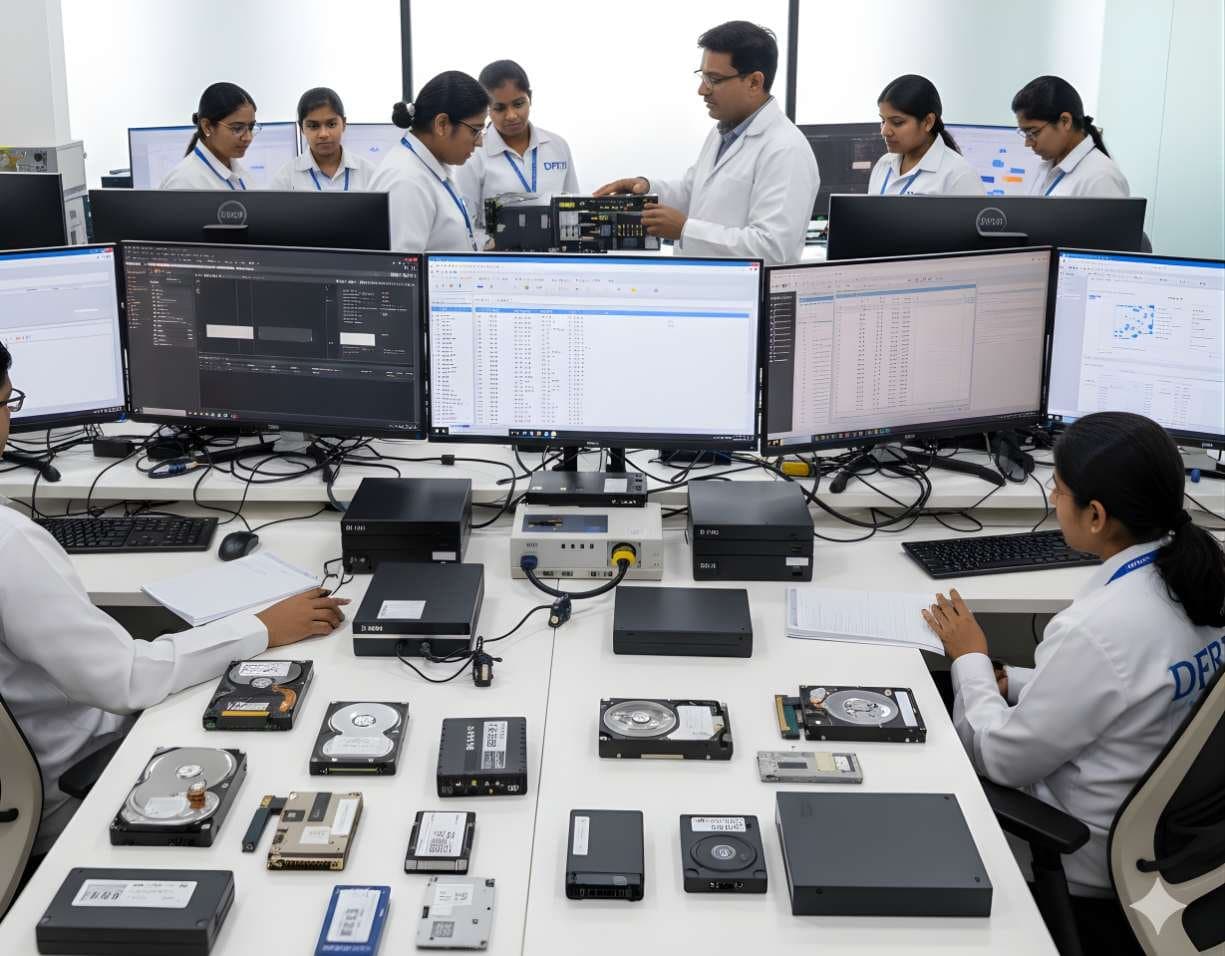
 StorageHDD ForensicsImage hard drives through a write-blocker, find hidden areas and recover deleted data.
USB / Pen Drive Forensics
Examine pen drives and memory sticks and prove which USB device touched which computer.
- Beginner
- Online or on campus
- 4 hands-on labs
- 6 modules
About this course
A common case goes like this. A sales manager resigns. Two weeks later the company learns that a rival has its client list. The question is simple. Did he copy the files to a pen drive before leaving? This course teaches you to answer it from both ends, the pen drive itself and the office computer it was plugged into.
On the drive side you image the pen drive through a USB write-blocker, read its FAT32 or exFAT file system and recover deleted files. On the computer side you trace USB history in the Windows registry and logs. USBSTOR entries, vendor and product IDs, serial numbers, drive letters, first and last connection times and the LNK files, jump lists and shellbags that show which files were opened from the removable drive.
You also learn what to do when a pen drive does not work. A broken connector, a dead controller or a monolithic chip all need different handling. You will know when to stop and send the device for chip-off or NAND recovery instead of making things worse.
Pen drive imagingFAT32 and exFATUSB device historyData theft cases
After this course you can
- Image a pen drive, memory stick or USB hard drive through a write-blocker and verify the image
- Recover deleted files from FAT32 and exFAT volumes and explain how they were found
- Build a USB device history from the Windows registry, setupapi logs and event logs
- Tie a specific pen drive to a specific computer using serial number and volume serial number
- Show which files were opened from a removable drive using LNK files, jump lists and shellbags
- Recognise a physically failed pen drive and choose the right recovery route
Syllabus
6 modules · 24 topics
01How USB storage works4 topics
- Controller, NAND flash and firmware in a pen drive
- Pen drives, card readers, USB SSDs and USB hard drives
- Vendor ID, product ID and device serial numbers
- Why some cheap drives have no unique serial and how Windows makes one up
02Safe acquisition4 topics
- USB write-blockers and testing them
- Imaging with FTK Imager and Guymager and hashing the result
- What Windows writes to a drive when it is plugged in without protection
- Recording the label, capacity and markings on the device
03FAT32 and exFAT analysis4 topics
- Boot sector, FAT tables and directory entries
- The 0xE5 marker and recovering deleted FAT32 files
- exFAT allocation bitmap and directory entry sets
- Volume serial numbers and why they matter for linking
04USB history on Windows4 topics
- USBSTOR, USB and MountedDevices keys in the SYSTEM hive
- Windows Portable Devices and the user's MountPoints2 key
- setupapi.dev.log for first connection time
- Event logs such as Partition/Diagnostic event 1006 on Windows 10 and 11
05What was copied or opened4 topics
- LNK files and jump lists pointing to removable volumes
- Shellbags showing folders browsed on the drive
- Linking the drive letter, volume serial number and device serial
- Building a timeline of connections and file access
06Damaged and failed devices4 topics
- Broken connector, cracked PCB or dead controller
- Monolithic (UFD) devices and why they need specialist work
- Chip-off and NAND reading: what it involves and who should do it
- Keeping custody when a device goes to an outside recovery lab
Hands-on labs
- Lab 1
Image a pen drive from a mock employee data theft case and recover the deleted client list
- Lab 2
Parse the SYSTEM and NTUSER hives of a lab computer and list every USB storage device ever connected
- Lab 3
Prove that a seized pen drive was plugged into a specific office PC using serial numbers and volume serial numbers
- Lab 4
Use LNK files and jump lists to show which documents were opened from the pen drive and when
Tools you will use
- FTK Imager
- Guymager
- Autopsy
- Registry Explorer and RECmd
- LECmd and JLECmd
- ShellBags Explorer
- USBDeview
- Event Log Explorer or Windows Event Viewer
Who it suits
- Students starting out in digital forensics
- Company IT and HR investigation teams dealing with data leaks
- Police officers who seize pen drives and memory sticks
- Lawyers who want to understand USB evidence in employment disputes
Before you join
- Basic use of Windows and File Explorer
- No earlier forensic course needed
Questions about this course
Can you tell exactly which files were copied to a pen drive?
Windows does not keep a simple log of copied files. You combine evidence instead: files found on the drive, LNK files and jump lists on the computer, shellbags and connection times. Together they often show what was opened or present. The course teaches you how far you can honestly go.
What if the pen drive was formatted?
A quick format usually leaves most file content in place, so carving and file system recovery often bring back a lot. A full overwrite is different. You learn to tell which one happened.
Is this course only about Windows?
Windows gets the most time because most office cases involve it. The course also shows where Linux keeps USB connection records so you are not stuck on a Linux machine.
More courses in Digital Storage Forensics
StorageHDD ForensicsImage hard drives through a write-blocker, find hidden areas and recover deleted data.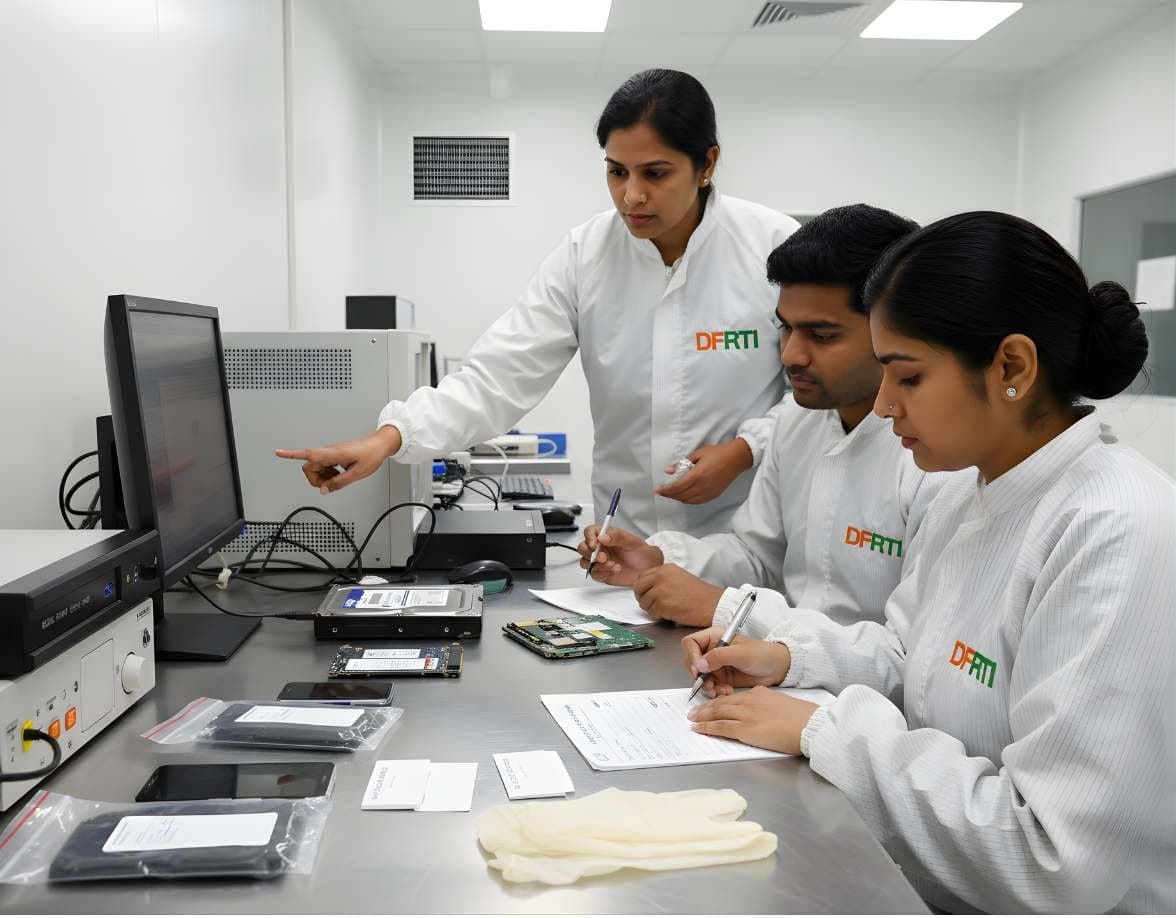 StorageSSD / NVMe ForensicsHow TRIM, garbage collection and wear levelling change evidence on SSD and NVMe drives.
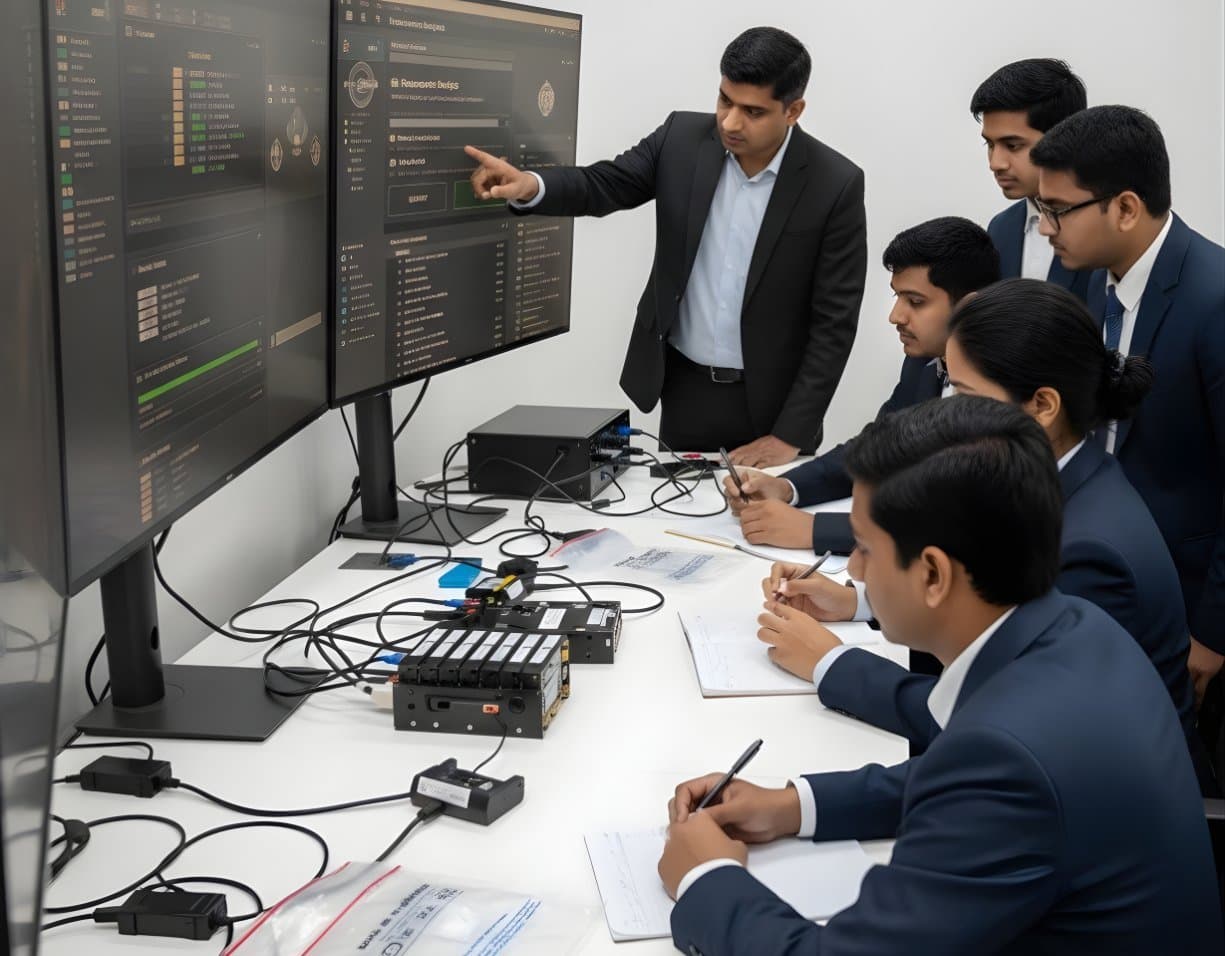 StorageRAID / NAS ForensicsImage RAID members, rebuild arrays virtually and examine NAS boxes after ransomware.
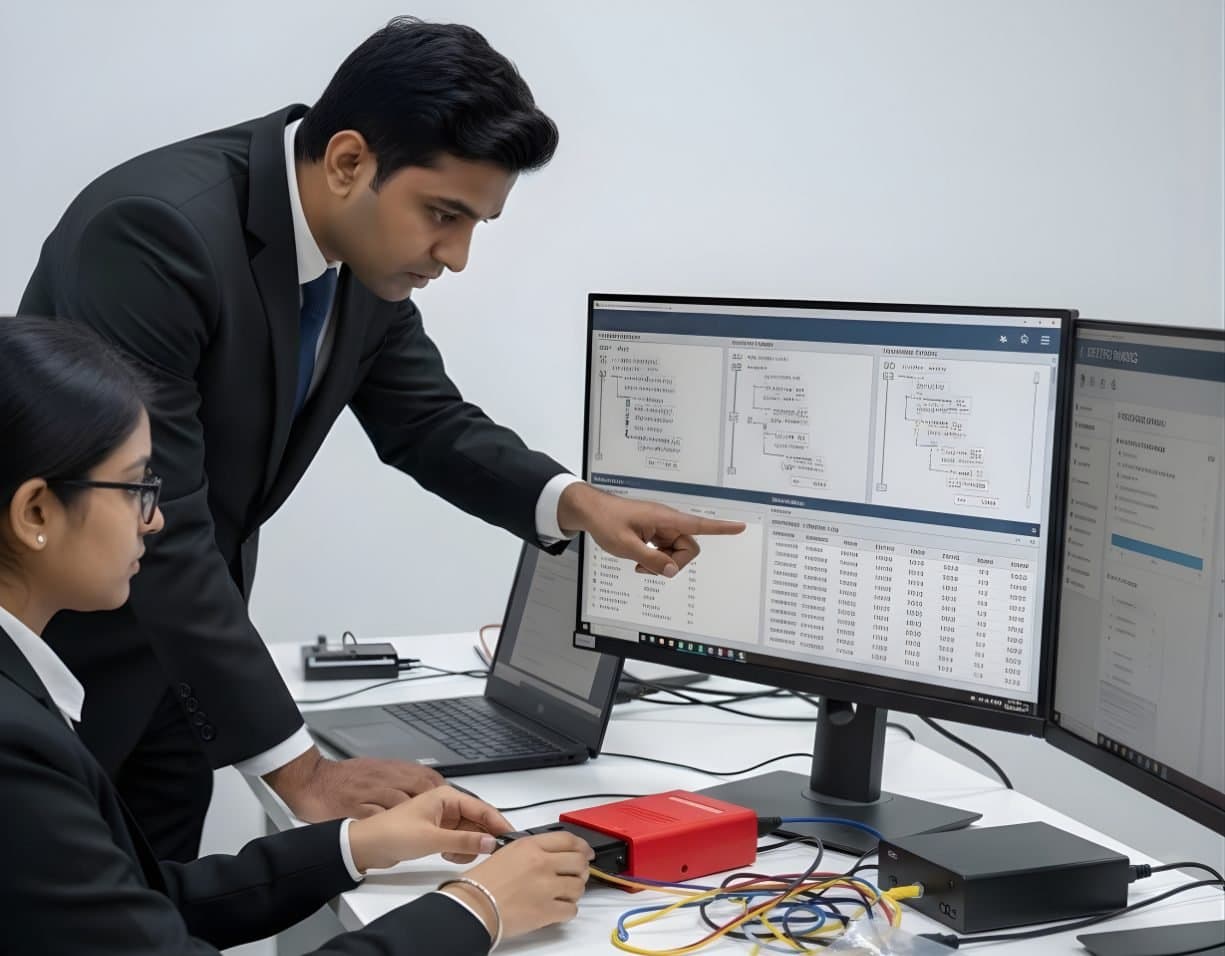 StorageFile System AnalysisRead NTFS, FAT, exFAT, ext4 and APFS at the structure level and build timelines.
Not sure this is the right one for you?
Tell us your background and what you want to do next. A counsellor will suggest a course and the next batch.